
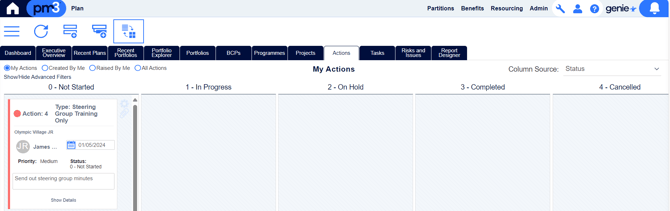
The Actions tab in Plans and Home allows you to define and maintain Actions and Sub Actions that are either generic or specifically related to a Plan. This page has two views, a Tabular view, and a Kanban view. For full details on actions, the tabular view is good, as it clearly lays out the details of an action in each row. The Kanban view allows quicker readability of the state of actions, where they are, and which ones need to be prioritised.
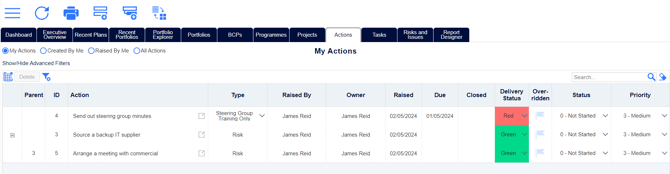
In the tabular actions view, double-clicking on a row will take you to the relevant page on the relevant plan. So if you were to double click on an overdue milestone action, it would take you to the Milestone Plan page for the relevant plan. If you are on the Plan Actions page, double clicking a row will have the same effect, unless it is a custom action on that plan.