
We can now import data directly from Jira in four steps:
- In Jira user management, create an API Token: Account Settings > Security > Create Manage Api Tokens
- In PM3 Admin > General, within the 'Jira API Integration' section, set "Import Jira data" to 'Yes'. Next, enter your Jira Instance URL, API Key Username and API Token details into the Jira API Integration section and hit “Test Connection” to check its validity. If connection test fails then double check your credentials.

- Create or select a Plan you wish to import data to. Navigate to the details page of the Plan you want to import the data to and hit “Link Jira Project”.

This will pull in a list of all available Jira projects for you to select from: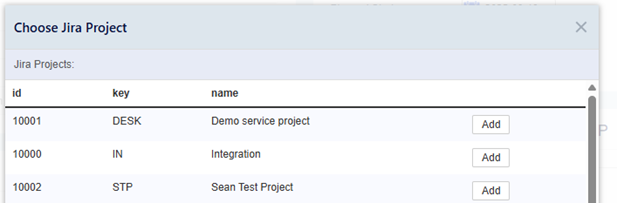
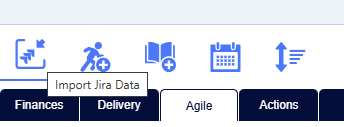
- Once the Project is linked then navigate to Agile > Product Backlog and hit the new 'Import Jira Data' button.
Users can view the imported data on the Plan.
This process is a read-only, one way pulls of data. The data cannot be altered and pushed back to Jira. If you make any changes to the imported data, and only the imported data, it will be overwritten when the Project is synced again. Users can still edit all other parts of the PM3 Project as you normally would.